
Digitalgrub Studio
Turn a photo you pick into posts sized for Instagram and LinkedIn.
Pick one photo and get it back sized for Instagram square, portrait and story, and for LinkedIn - analysed, enhanced, and ready to share.
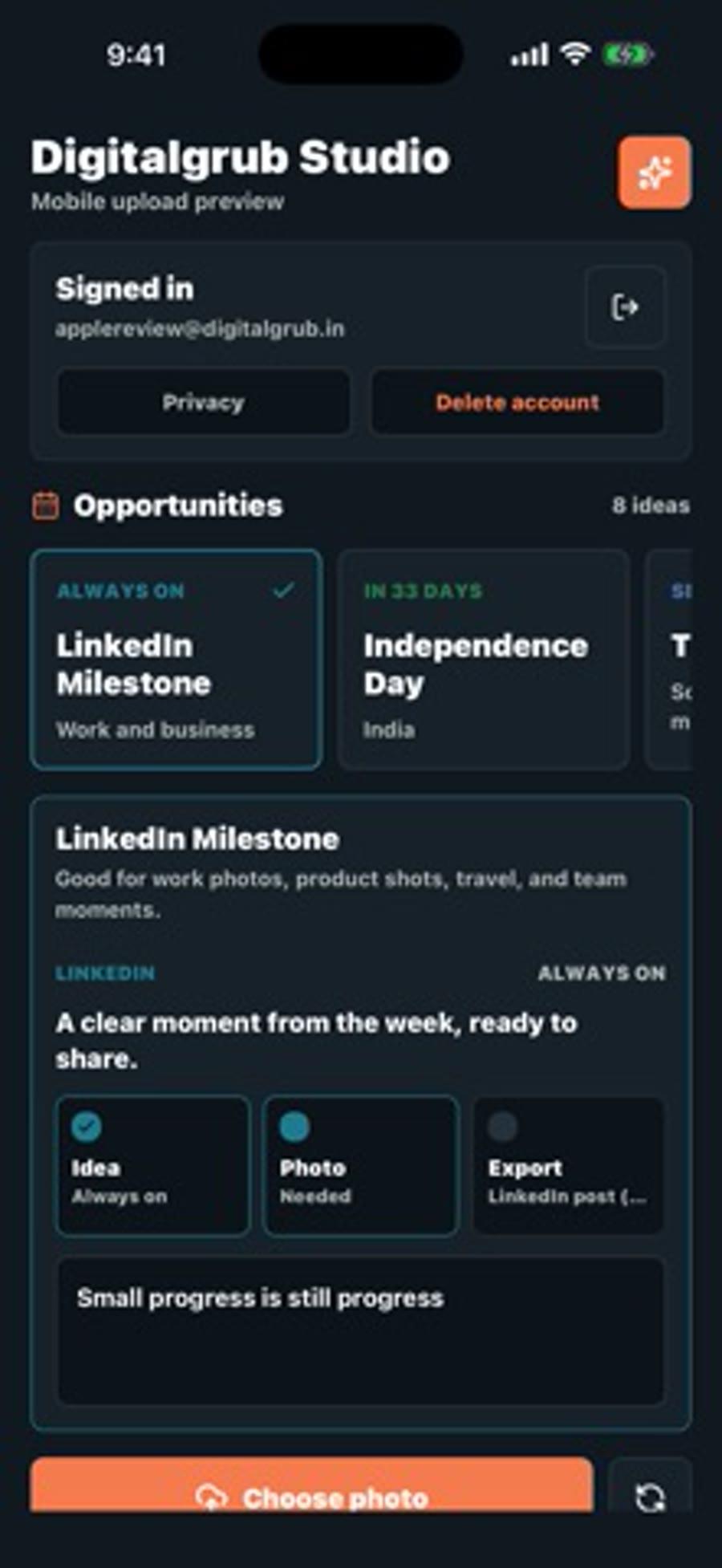
Everything Digitalgrub Studio does, and nothing it does not.
Every format at once
One photo comes back as an Instagram square, portrait and story, plus a LinkedIn post - each already the right size.
Analysed and enhanced
The app reads the photo, recommends an enhancement level, and picks a safe position for your text.
Text that fits the post
Overlay text is driven by the content opportunity you choose, so the wording suits the format.
Only the photos you pick
It uploads the single photo you select and never scans your gallery. Account deletion is in the app.
See it in action.
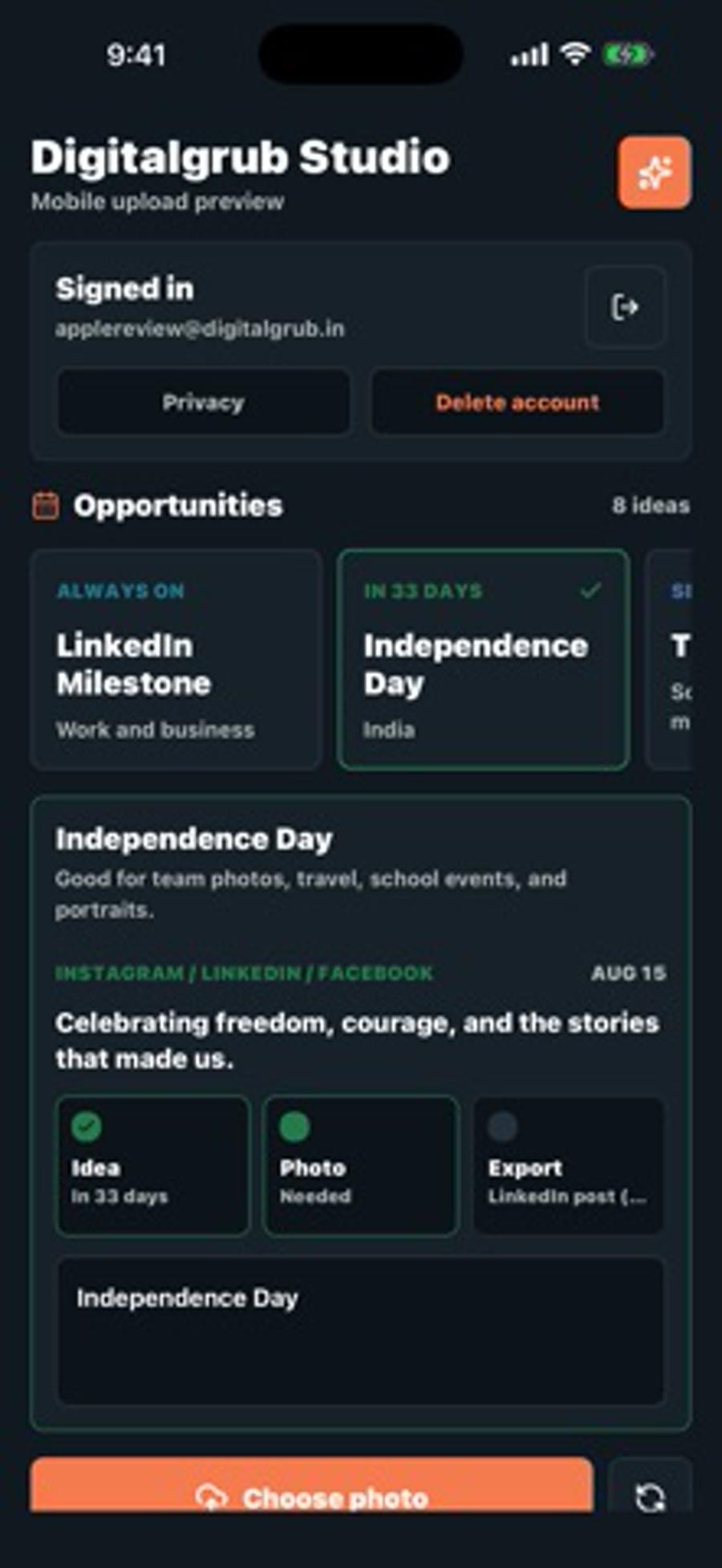
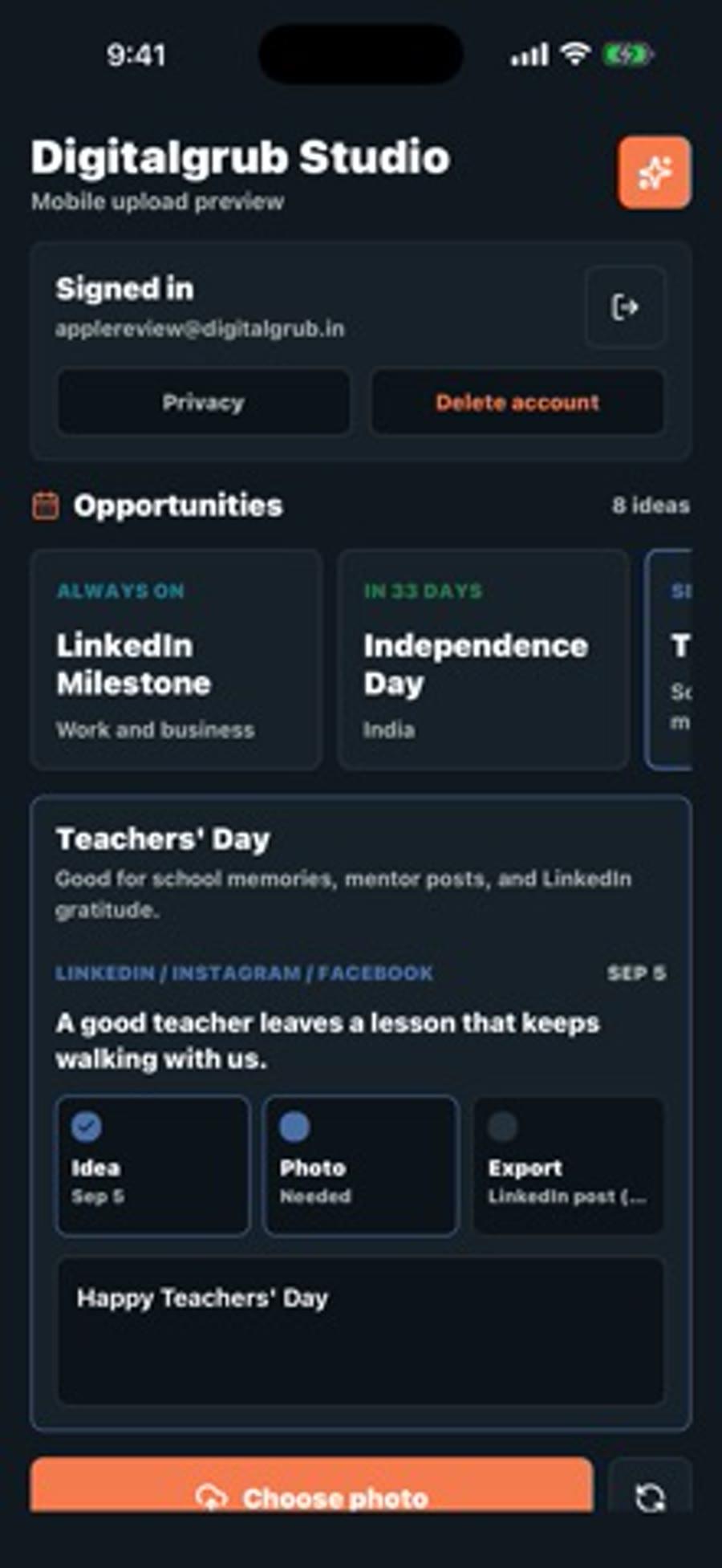
Get Digitalgrub Studio on your iPhone.
Photo & video · iOS 16.4 or later, iPhone · Free
Questions, answered.
Is Digitalgrub Studio free?+
Yes. It is free on the App Store and runs on iPhone with iOS 16.4 or later.
Does it read my whole photo library?+
No. You choose one photo at a time, and only that photo is uploaded for analysis.
Which sizes does it export?+
Instagram square, Instagram portrait, Instagram story, and a LinkedIn post.
Can I delete my account?+
Yes, from inside the app.