
We built a PDF suite that never uploads your file
By Sara · · 4 min read
Think about what happens when you search for a way to merge two PDFs. You land on a site, you drag your file in, and it goes up to a server you have never heard of. Somewhere in the small print there is a promise to delete it in an hour. Usually the document is a contract, an Aadhaar copy, a bank statement — exactly the sort of thing you would not email to a stranger, handed to one anyway because the alternative was buying software.
pdftools.digitalgrub.in does the same jobs without the upload. The file is opened by code running inside your own browser tab. Close the tab and nothing of it exists anywhere else.
What is in it
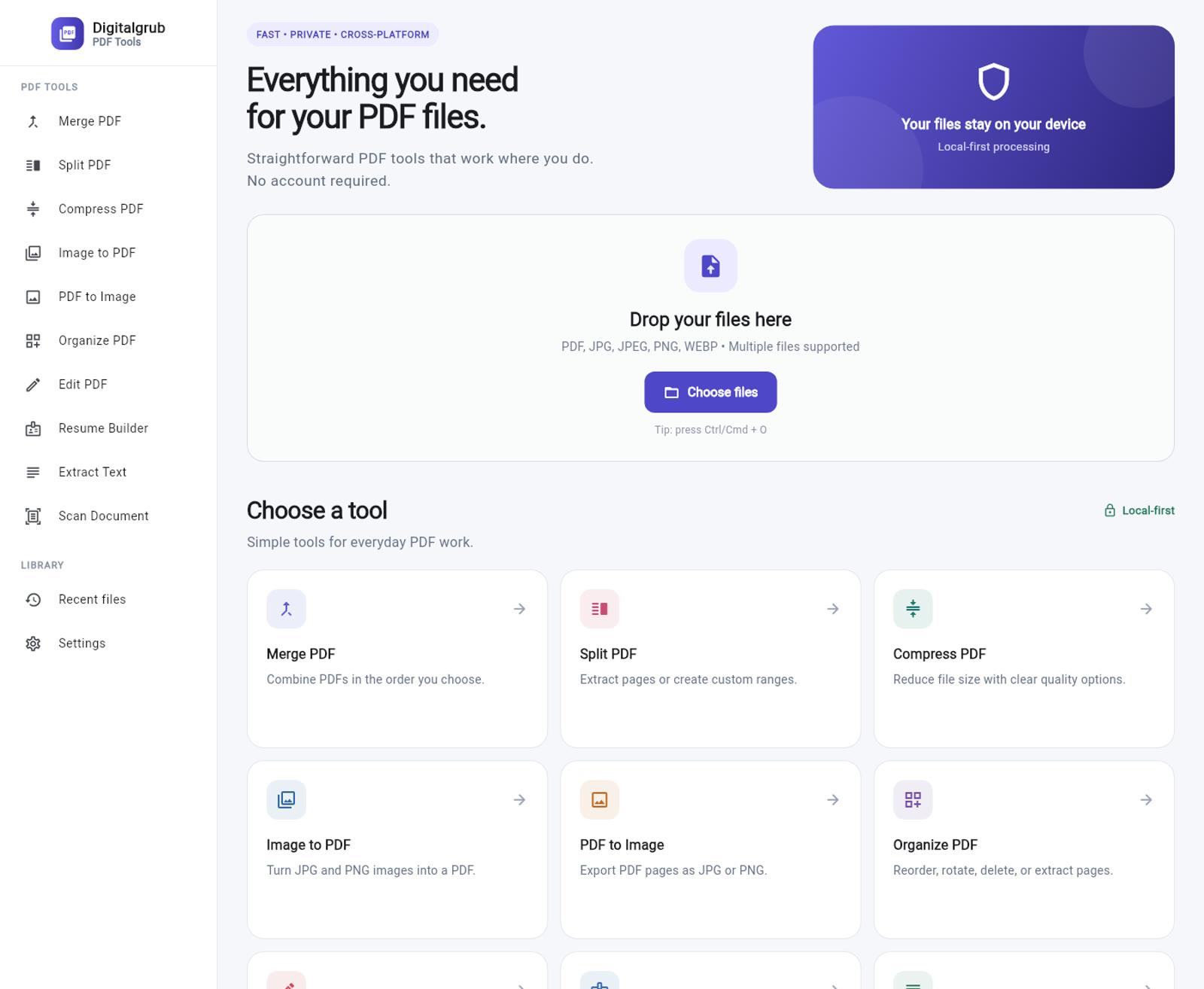
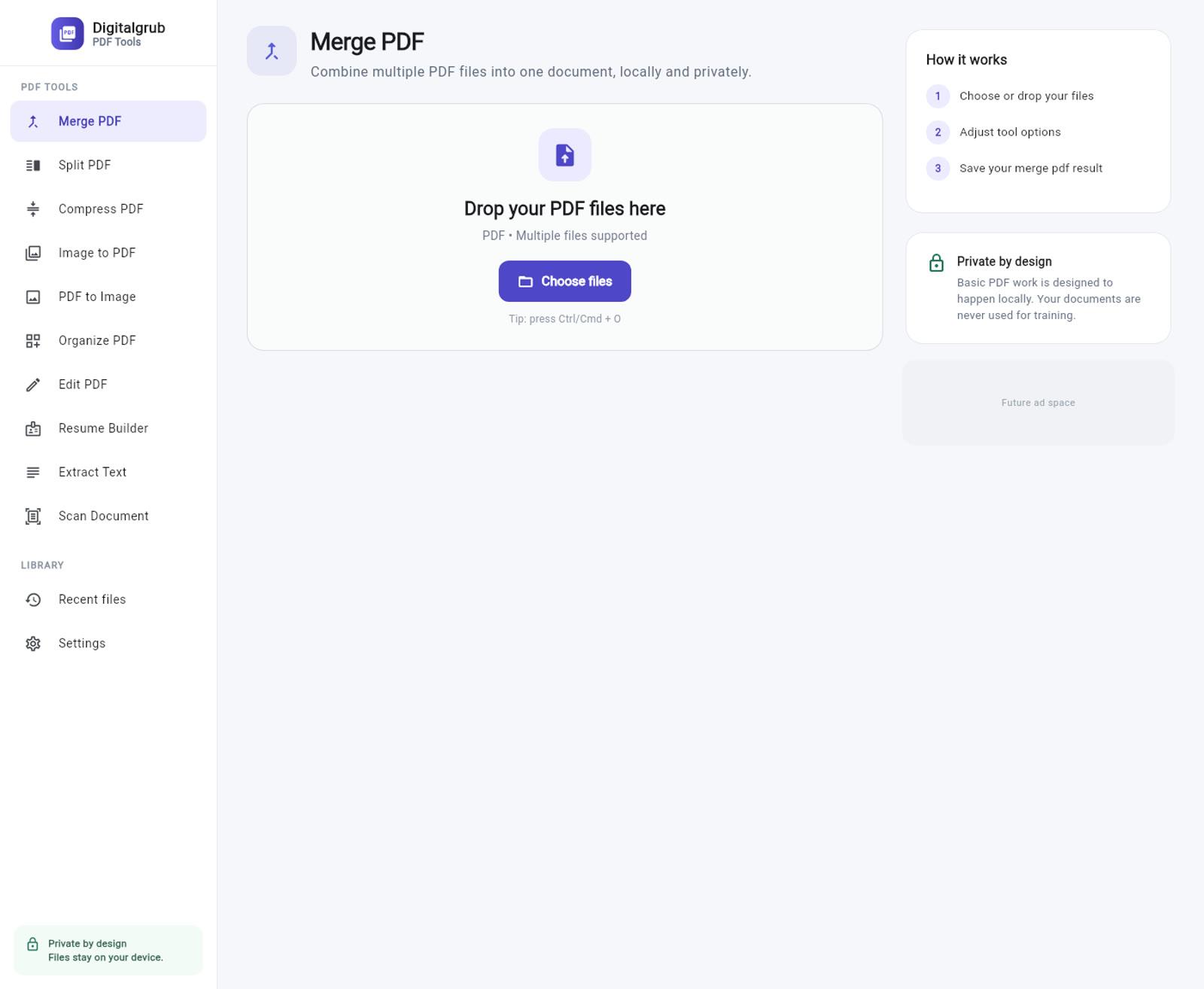
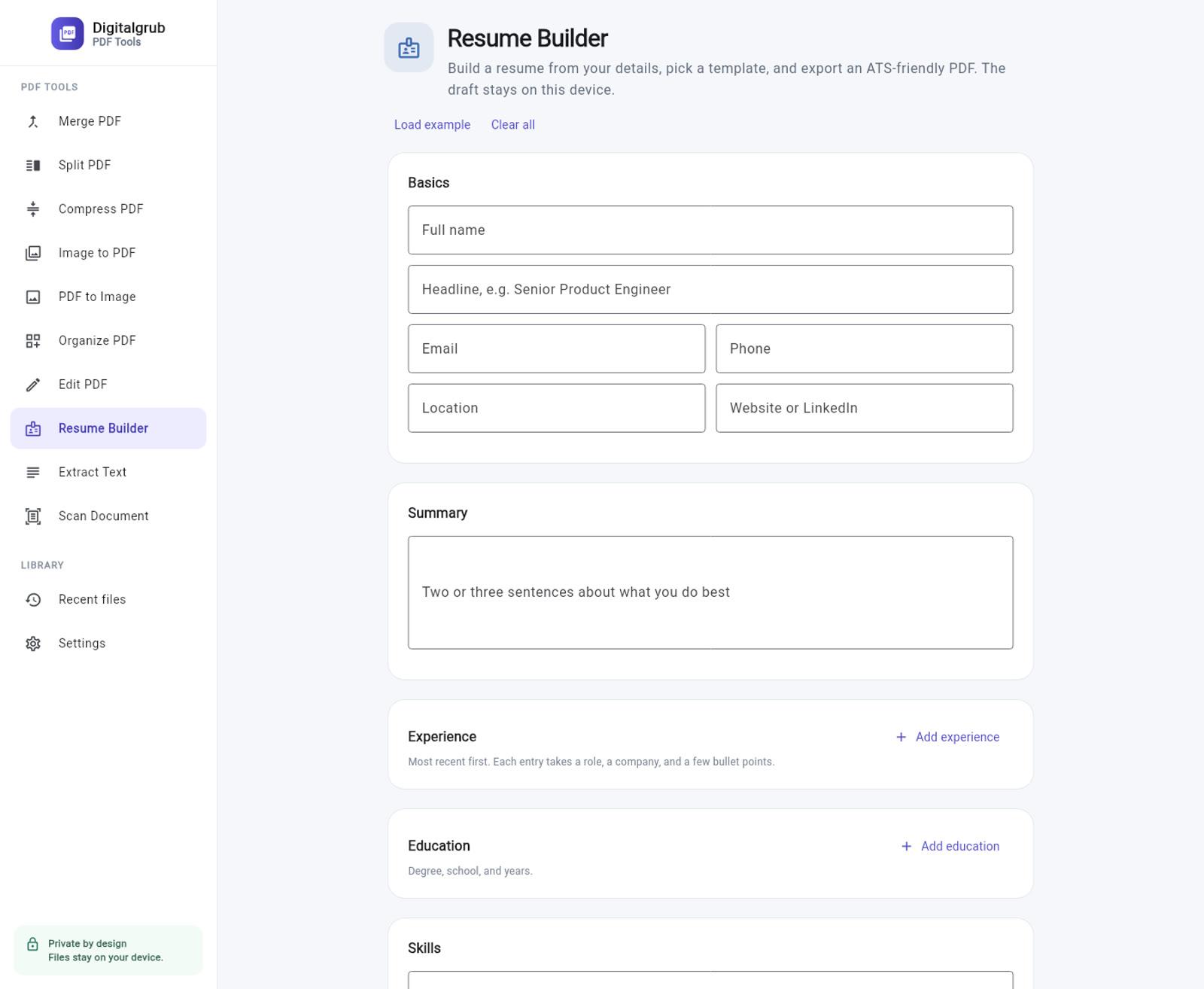
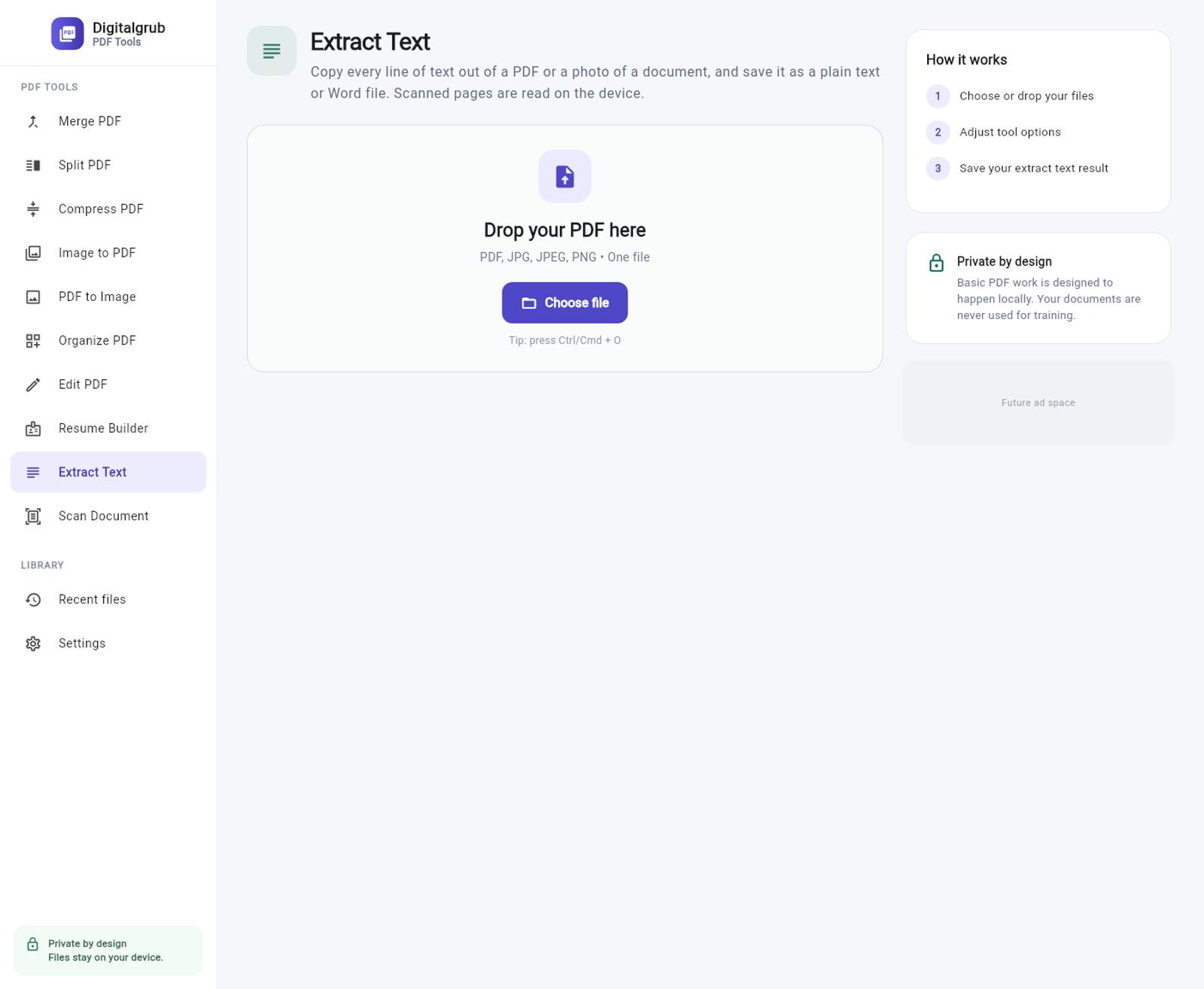
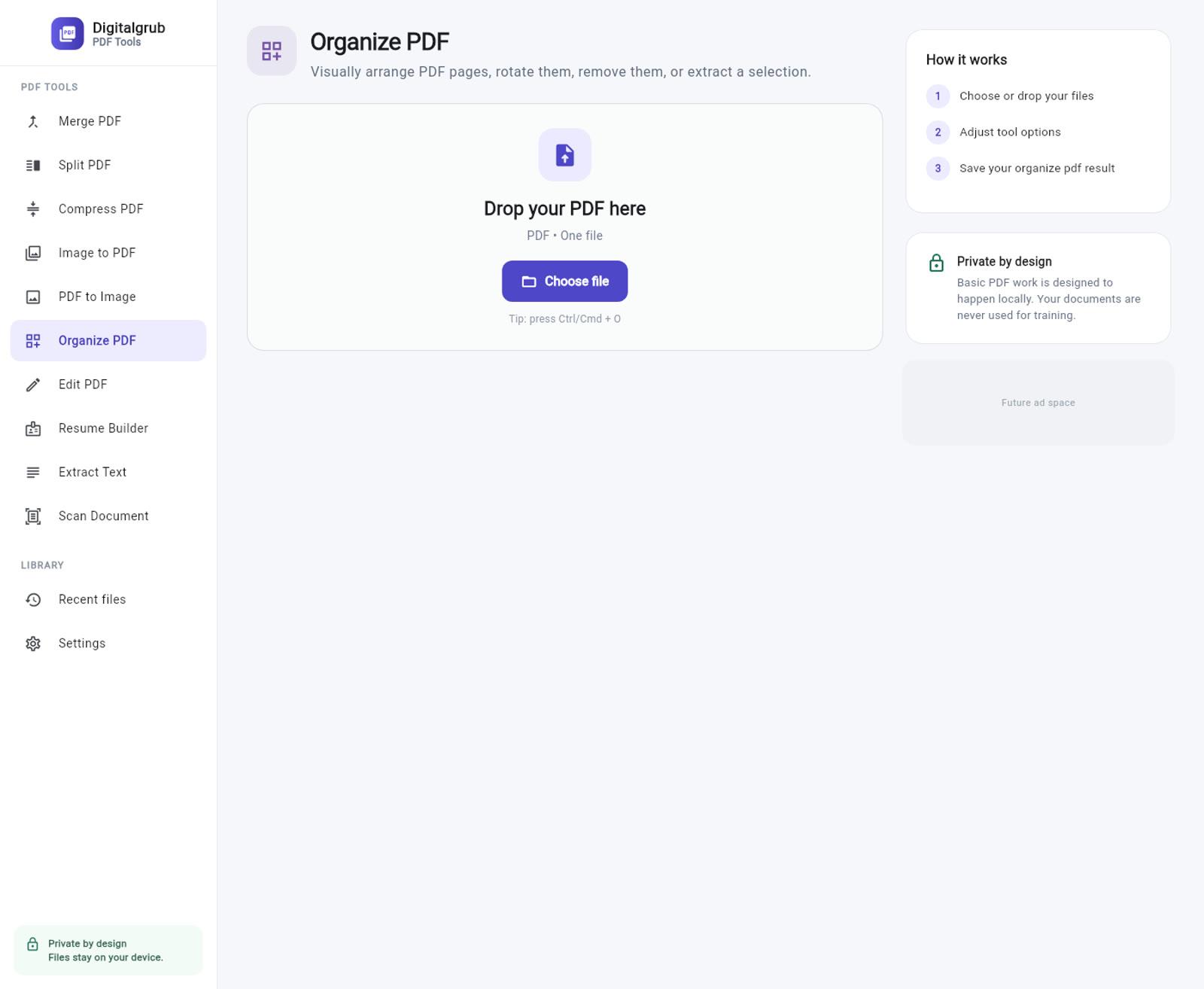
Ten tools: merge, split, compress, image to PDF, PDF to image, organize pages, edit and sign, a document scanner, a text extractor that reads scans and photos, and a resume builder that exports a clean, ATS-friendly PDF.
How it works without a server
The engine underneath is PDFium — the same PDF library that sits inside Chrome. On the phone and desktop apps it runs as native code. In the browser it runs as WebAssembly, loaded into a worker when the page opens, which is what makes real PDF work possible in a tab that has no server behind it.
- Your file is opened in the tab, not on a server. There is no upload step, no queue, and no copy of your document sitting in someone's bucket waiting to be deleted on a schedule.
- One codebase runs the phone app, the desktop app and the website. A fix to Split PDF is a fix everywhere, which is the only way a small team keeps ten tools honest across five platforms.
- No account, no sign-in, no email address. Nothing to create and nothing to cancel — the tools work the moment the page loads.
- Every tool has its own address. /merge-pdf is a real page with its own title, so you can bookmark the one tool you use and skip the menu entirely.
Privacy here is a fact about the architecture.
Plenty of sites promise not to look at your documents. That promise is only as good as the company making it. This one is different in a duller and more useful way: there is no upload endpoint to trust, because the file never leaves the machine it is on. Open your browser's network tab and watch — your PDF is not in the list.
The part that was hard
One codebase across five platforms sounds like the easy option, and mostly it is. The exception is the web, because the browser is the one place where the native shortcuts are missing. Anything that reaches for a file path, a system scanner, or a pointer into PDFium's own memory has to be written twice: once for the platforms that allow it, once for the tab that does not. Getting that split right — and knowing when the portable path is genuinely running — is most of the work in shipping a Flutter app to the web.
Try it
It is free, it needs no account, and it works on a phone as well as a laptop. If you use it and something behaves oddly, that is worth more to us than a compliment — tell us what happened. The same tools ship as apps too; the rest of what we build is here.
Open PDF Tools